
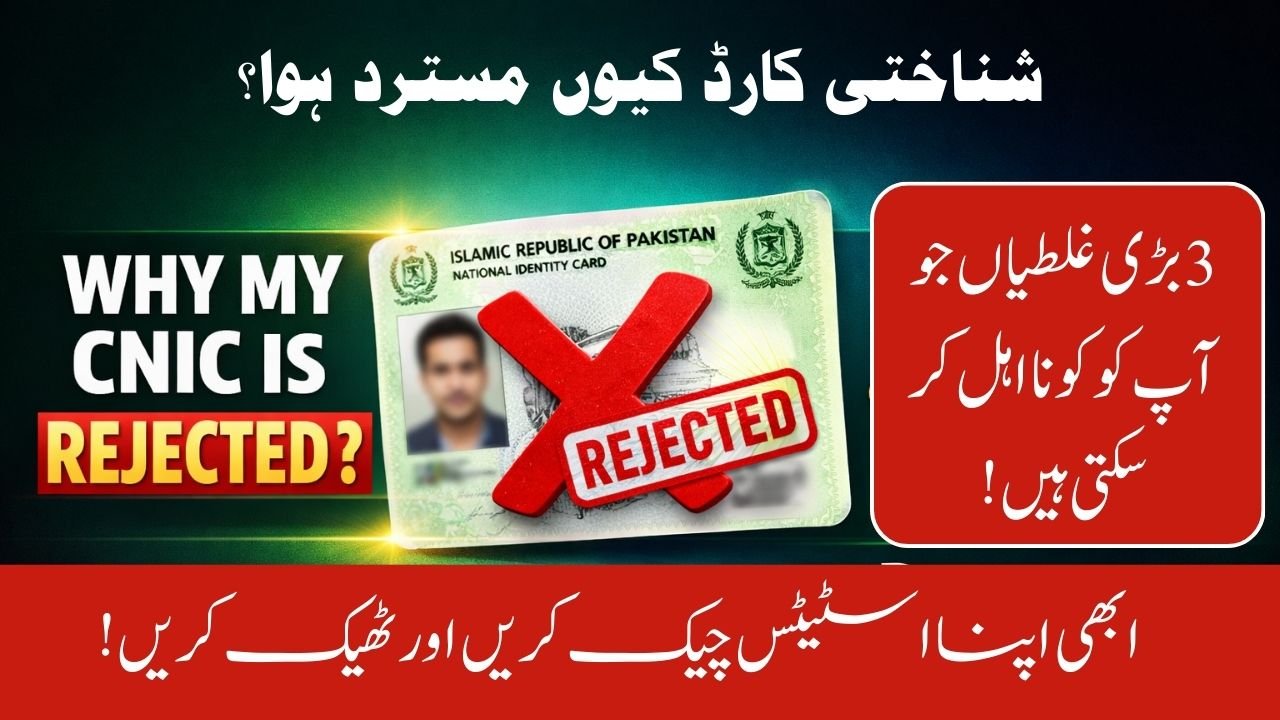
If you are trying to apply for the PM Ramzan Relief Package 2026 and your screen shows “Rejected” or “Invalid CNIC,” you are not alone. Thousands of Pakistanis face this issue daily on the PMRRP portal. The system is automatic and connected with multiple government databases. Even a small mistake can block your application. In this guide, you will learn the real reasons behind rejection and simple steps to fix them quickly.
| Issue | Quick Reason |
| Data Mismatch | Wrong CNIC number or issue date |
| High PMT Score | Above eligibility threshold |
| SIM Not Registered | SIM not in your name |
| Expired CNIC | ID card validity ended |
| Government Employee | Ineligible category |
| Under Verification | Data cross-check in process |
| System Error | Temporary portal issue |
| Wrong SMS Method | Incorrect format sent |
Data Mismatch with NADRA Records
The National Database and Registration Authority (NADRA) database is directly linked with the portal. If your CNIC details do not match exactly, the system rejects your application.
• Even one wrong digit in your 13-digit CNIC causes rejection.
• Using an old CNIC issue date creates mismatch.
• Name spelling differences in NADRA record also trigger errors.
Solution:
Carefully enter your CNIC without dashes. Make sure the Issue Date matches your latest card.
High PMT Score – Eligibility Problem
The government uses a Poverty Means Test (PMT) score to decide eligibility for relief programs like the Benazir Income Support Programme.
• If your PMT score is above 35–40, you are marked ineligible.
• Utility bills, assets, and travel history affect the score.
• FBR tax records may increase your PMT score.
If your financial situation has changed, visit a BISP registration center and update your data.
SIM Ownership Verification Issue
The National Information Technology Board (NITB) portal strictly checks mobile ownership.
• Your SIM must be registered on your CNIC.
• Using father’s or brother’s SIM will fail verification.
• Incorrect mobile linking blocks confirmation SMS.
Check SIM Ownership:
Send a blank SMS to 668 to see how many SIMs are registered on your CNIC.
Expired CNIC Problem
Many applicants forget to check expiry date.
• Expired CNIC is automatically rejected.
• Renewal process must be completed first.
• Old issue date will not work.
Visit a NADRA center and renew your card. After getting the new issue date, reapply.
Government Employee Status
Active or retired government employees are usually not eligible for this specific package.
• Payroll database automatically verifies employment.
• Even some family members may be ineligible.
• Pension records can trigger rejection.
If you believe this is an error, verify your employment record officially.
Step-by-Step Process to Check Status via SMS
If the website is slow or showing errors, try SMS method:
- Open your mobile SMS app.
- Type your 13-digit CNIC (without dashes).
- Send it to 8070 (Ramzan Package) or 8171 (BISP).
- Wait for official eligibility reply.
This method is often more stable than the web portal.
What Does “Under Verification” Mean?
If your status says “Under Verification,” don’t panic.
• Your data is being checked with NADRA and FBR.
• Process may take 3 to 10 working days.
• Avoid submitting multiple applications.
Information in this guide is based on the official portal https://pmrrp.nitb.gov.pk and verified details collected from top Google sources and government announcements.
Conclusion
If you are wondering, “Why my CNIC is rejected on pmrrp.nitb.gov.pk portal?”, the answer usually lies in data mismatch, high PMT score, SIM ownership, expired CNIC, or employment status. The system is automated and strict. Start by checking your SIM registration and NADRA details. If needed, update your information through official offices. Most issues can be fixed easily once you identify the exact cause.
FAQs
Why my CNIC is rejected on pmrrp.nitb.gov.pk portal?
It is usually due to data mismatch, high PMT score, SIM ownership issue, expired CNIC, or ineligible employment status.
How can I check my eligibility quickly?
Send your CNIC number to 8070 or 8171 via SMS for official confirmation.
What should I do if my status shows Under Verification?
Wait 3–10 working days. The system is checking your data with NADRA and FBR.
Can I apply again after rejection?
Yes, but only after correcting the issue like updating SIM ownership or renewing CNIC.